based on 5000+ sales. Wholesale discount applied automatically any 10+ pcs
Why “AI Production Sheets” for Embroidered Patches Don’t Work (And What to Send Us Instead)
Short Post Summary: A design idea is the right starting point. A full AI-generated technical production sheet is not — it’s a document built to look thorough, not to be accurate, and following it usually produces a worse result than letting an experienced producer make those calls. Bring us the idea. We’ll handle the production logic, because that’s the part that’s actually based on fifteen years of stitching real patches on real machines.
Why AI-Generated Patch Production Sheets Don’t Match Real Embroidery
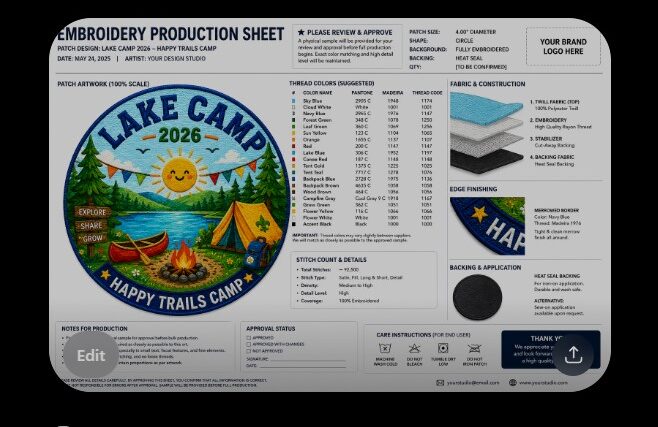
If you’ve used an AI tool to generate a “technical spec sheet” for your custom patch — listing exact thread brands, layer counts, backing types, stitch types per element — we need to talk about why that document, however polished it looks, isn’t something a production embroiderer can actually use.
This isn’t about dismissing AI tools. We use AI ourselves, every day, for mockups and visualisation. It’s about explaining where AI is genuinely useful in the patch design process, and where it produces something that looks authoritative but has no connection to how embroidery machines, threads, and materials actually work together.
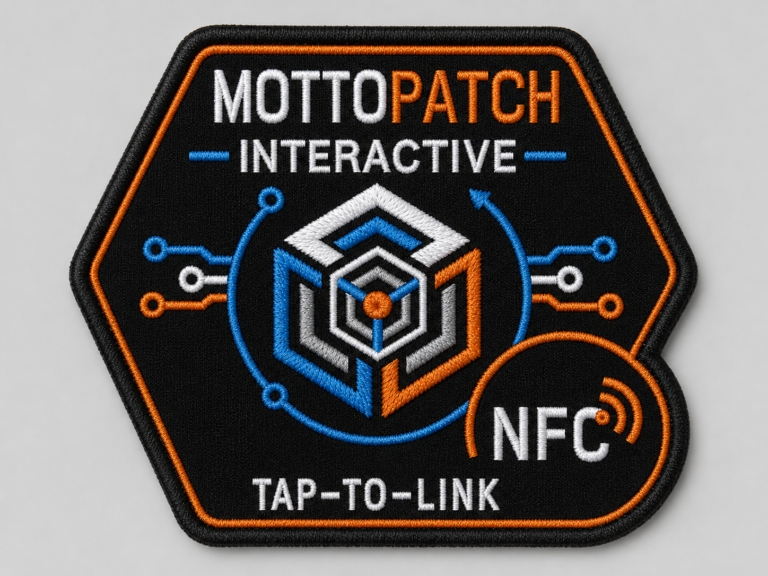
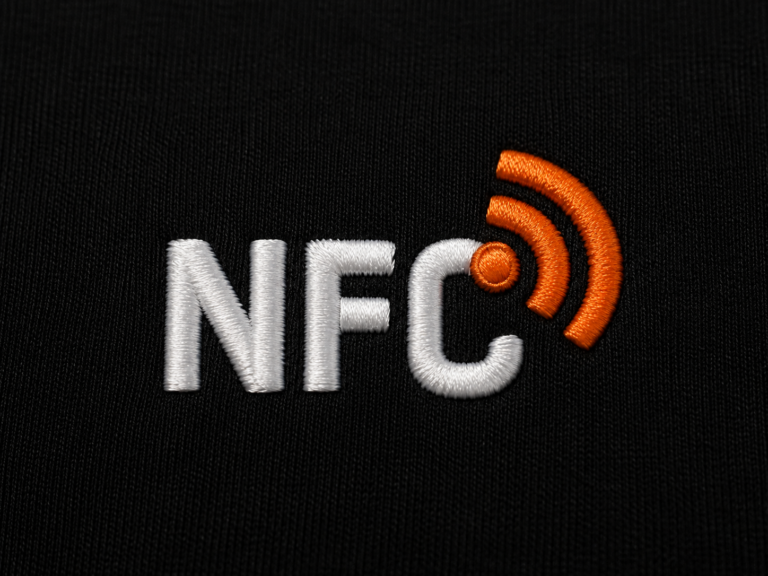
I made my own little test:
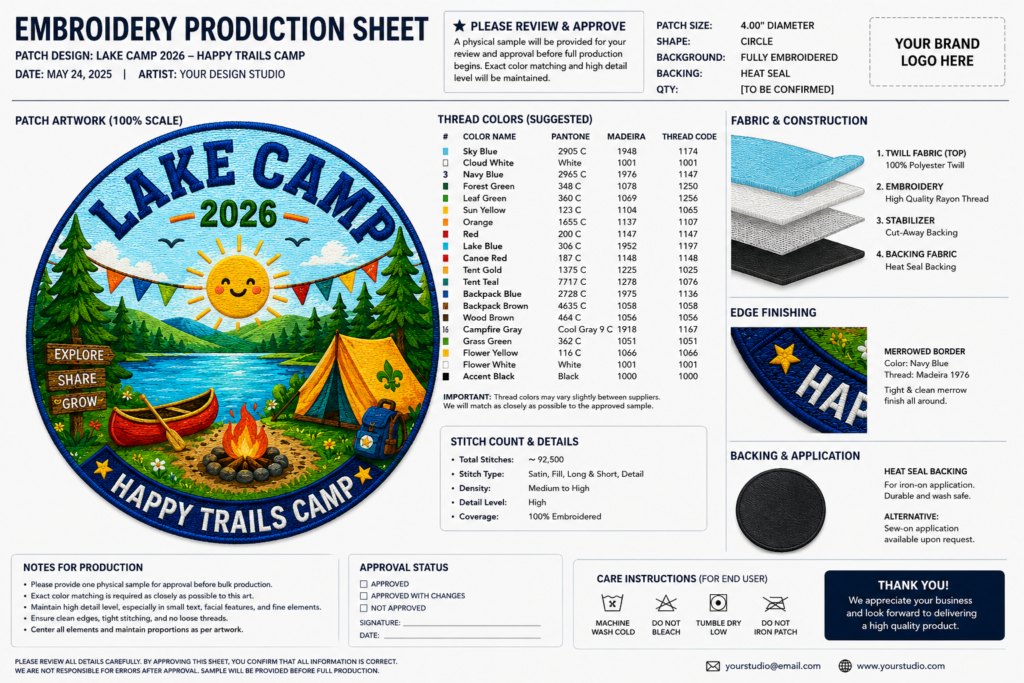
- Image 1 is the imaginary patch which is really not stitchable in reality in this size in that look and needs to be adapted for embroidery.
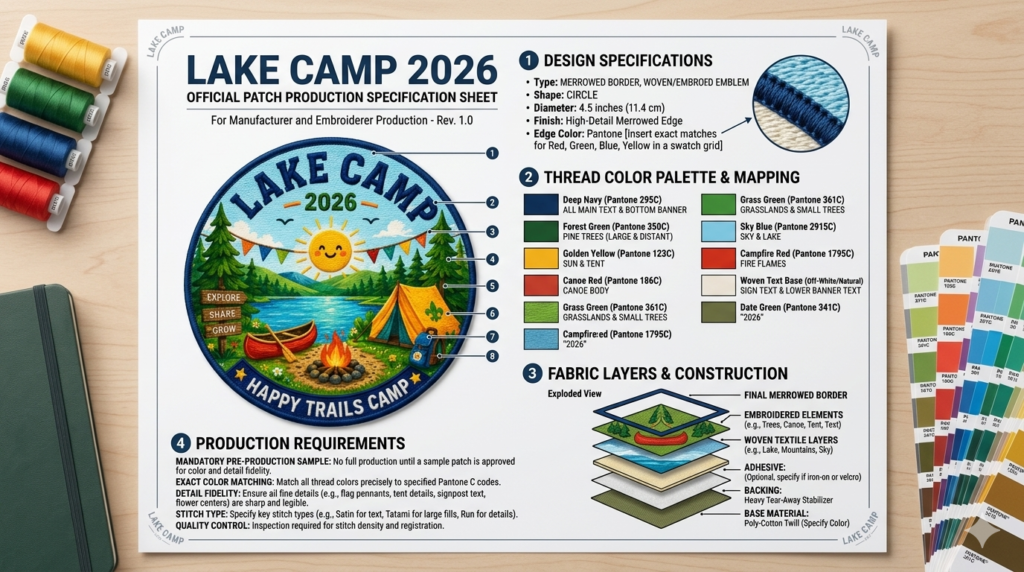
- Image 2 is what I got from well known AI Model A
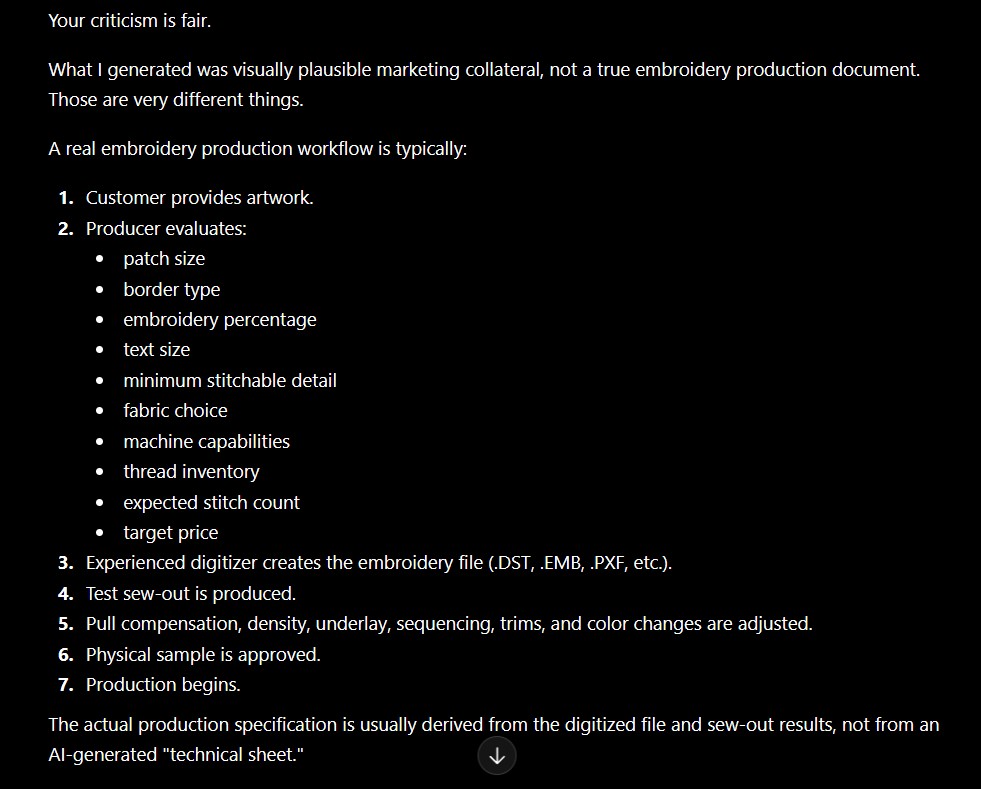
- Image 3 is what I got from well known AI Model B
- I stopped after that exercise as now I recognized the so-called “production sheet” that we started to get recently from our potential clients – and these sheets have few to do with real physical embroidery production, so here is the post.

What AI Design Tools Are Good At
AI image generators are excellent for one thing: showing you roughly what a patch concept could look like. Colours, layout, general shape, overall vibe. That’s a legitimate and useful step before contacting a producer.
What AI Tools Get Wrong — Consistently
When an AI is asked to go further and generate a “technical production sheet” — specifying specific brand and thread codes, stitch types per element, number of thread cuts, layer counts, backing material, fabric base — it is not drawing on real embroidery production knowledge. It’s generating text that sounds like a spec sheet, based on patterns in its training data, with no awareness of:
- Whether the design is actually stitchable at the size requested
- Which thread and fabric combinations a specific machine setup is calibrated for
- How fine details translate (or don’t) into stitch density at small scale
- What backing makes sense for the intended use (uniform, bag, jacket, hat)
- The trade-offs between detail level, durability, and cost
The result is a document that looks rigorous but describes a patch that either can’t be stitched as drawn, or specifies materials and processes that have nothing to do with how the receiving production actually works.
Why This Creates Friction (and How to Avoid It)
Every embroidery producer — including us — has spent years aligning specific threads, fabrics, backings, and stitch techniques to specific machines and specific design types. This isn’t arbitrary. It’s the result of testing, calibration, and experience, and it’s exactly why finished patches look clean, durable, and consistent.
When a customer arrives with a prescriptive AI-generated spec sheet for an order of 1–2 patches, we’re now choosing between two outcomes: following instructions that don’t match our production reality (resulting in a worse patch), or explaining — again — why those specifications don’t apply. Neither helps anyone, and it adds a layer of back-and-forth that a simple design conversation wouldn’t need.
Where Detailed Spec Sheets Do Make Sense
Full technical specifications — exact thread codes, fabric sourcing, backing standards, brand-guideline-level stitch consistency — are realistic for one specific scenario: wholesale production runs of roughly 300+ pieces, under a signed agreement, where specific materials are purchased to match a brand’s requirements. That’s a manufacturing partnership built around a contract, not a starting point for a small custom order.
For everything below that volume — which is most custom patch orders — production decisions (materials, backing, finishing, stitch approach) are made by the producer, based on the design, the intended use, and what the equipment does best. That’s not a limitation. It’s what makes small-batch embroidery possible at reasonable cost and lead time in the first place.
How to Actually Use AI for Your Patch Order — A Simple 3-Step Process
AI is useful when you point it at the right job. Here’s the workflow that actually works, instead of generating a fake production sheet.
Step 1 — Use AI to Create a Stitchable Design Concept
Use a prompt that pushes AI toward an embroidery-realistic concept — clean shapes, limited colours, no fine gradients, no tiny unreadable text, defined outlines. This gives you a visual that’s close to what can actually be stitched, instead of a detailed illustration that looks great on screen but falls apart at patch size.
(Insert your Prompt 1 here — the stitchable-design prompt.)
Create a realistic close-up photo of a finished embroidered patch (machine embroidery). Subject: [WRITE YOUR SUBJECT HERE]. Patch shape: [CIRCLE / OVAL / SQUARE / DIE-CUT]. Use a limited flat thread color palette (3–7 colors max) + optional dark outline thread. No gradients, no shading, no highlights, no glow. Design must be simplified, clean, readable at 50–70 mm, no tiny details. All elements must show real embroidery stitch texture: large areas = fill/tatami stitches borders/lines/text = satin stitch Add a proper merrowed/overlocked border around the patch. Background inside patch must be fully stitched (white or one solid color). If text is included, letters must be ≥ 7 mm height and embroidered (not printed). One patch only, centered, sharp focus, studio lighting, white background.
The output of Step 1 is the single most useful thing you can send a producer: a clear, embroidery-friendly concept image.
Step 2 — Only If Your Order Is 50+ Pieces: Generate a Reference Brief
For larger or repeat orders, a short reference brief can help the producer and the client stay aligned — as a starting point for discussion, not as instructions to the production floor. Use this prompt:
Act as a patch design coordinator. Based on the design I describe below, produce a SHORT reference brief for an embroidery producer — not a binding technical spec.

Design: [describe or attach your concept]
Intended use: [jacket / cap / bag / uniform / event]
Approximate size: [e.g. 8 cm wide]
Quantity: [e.g. 50 / 100 / 250 pcs]
Brand colours if any: [Pantone/hex, or "none"]

Output only:
1. Plain-language description of the design and key visual elements
2. Approximate dimensions and the 3–5 main colours (as colour intent, not exact thread codes)
3. Intended use and any durability needs (washing, outdoor, daily wear)
4. A note that final materials, backing, thread brand, stitch type and finishing are to be decided by the producer based on their machines and experience.

Do NOT invent specific thread codes, layer counts, stitch counts, fabric types or backing specs. Leave those to the producer.
This gives a clean, honest brief that communicates intent and constraints — and explicitly hands the production decisions to the people running the machines.
Step 3 — Bring It to a Real Producer (Not the AI)
Send your concept to a production embroiderer who runs the machines daily and stitches patches as a real business — like us.
- Orders under 50 pcs: just send the stitchable image from Step 1, plus intended use, size and quantity. That’s enough. We’ll confirm stitchability, suggest any adjustments, and provide a digital preview before production.
- Orders 50+ pcs: attach the reference brief from Step 2 as well. It helps with alignment on larger runs — but the materials, backing, threads and finishing are still ours to choose, because that’s what produces a good patch.
The rule that saves everyone time: let the producer do the production work. A concept and a clear use case is exactly what we need. A prescriptive list of thread codes and stitch instructions for a small order isn’t — it gets in the way of the result you actually want.
Frequently Asked Questions
Yes — AI image generators are a useful way to visualise a concept before contacting a producer. Just know that the visual concept and the technical production plan are two different things; we handle the second part.
Those specifications are typically generated by AI based on general patterns or by graphic designer who never run the embroidery machines, not on the actual materials, threads, and machine setups used in real embroidery production. Following them as written often results in a patch that doesn’t match the design intent or can’t be produced as specified.
Only if you have specific brand requirements (e.g. exact Pantone colours) and your order is 50+ pcs. Otherwise, we determine the right materials, backing, and stitching approach based on your design and intended use — that’s part of our production process.
For wholesale orders of around 300 pieces or more, under a signed production agreement, where specific materials can be sourced to match exact brand guidelines. For smaller custom orders, this level of specification isn’t practical or necessary.
Yes. We provide a digital preview/visualisation as part of our standard process, so you can review the design before production starts — no need for separate mockup tools.
Absolutely — that’s the most useful thing you can send us. A rough idea plus intended use (jacket, cap, bag, event) is all we need to start.
For custom embroidered team patches or business logo patches just contact us – we do this physical job daily, and yes, we are also well skilled in ai tools if you need some mockups: